 iPHONE
App Store
Coming soon
Get launch updates Keep me updated
SETUP & APP PREVIEW
Explore the setup flow, training, and friendly competition. The screens below are development previews; public app downloads are coming soon.
iPHONEComing soon
Get launch updates ANDROID
Coming soon
Get launch updatesPublic download links are not available yet. We’ll add the official listings here when they’re ready.
A LOOK INSIDE THE APP
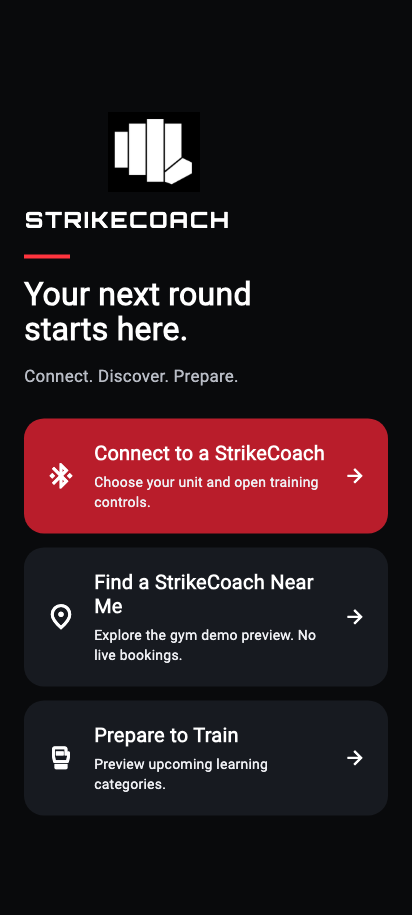
Connect, train, compete and review your round. Explore the app experience below.
HOME
TRAINING
COMPETITION
LEADERBOARD
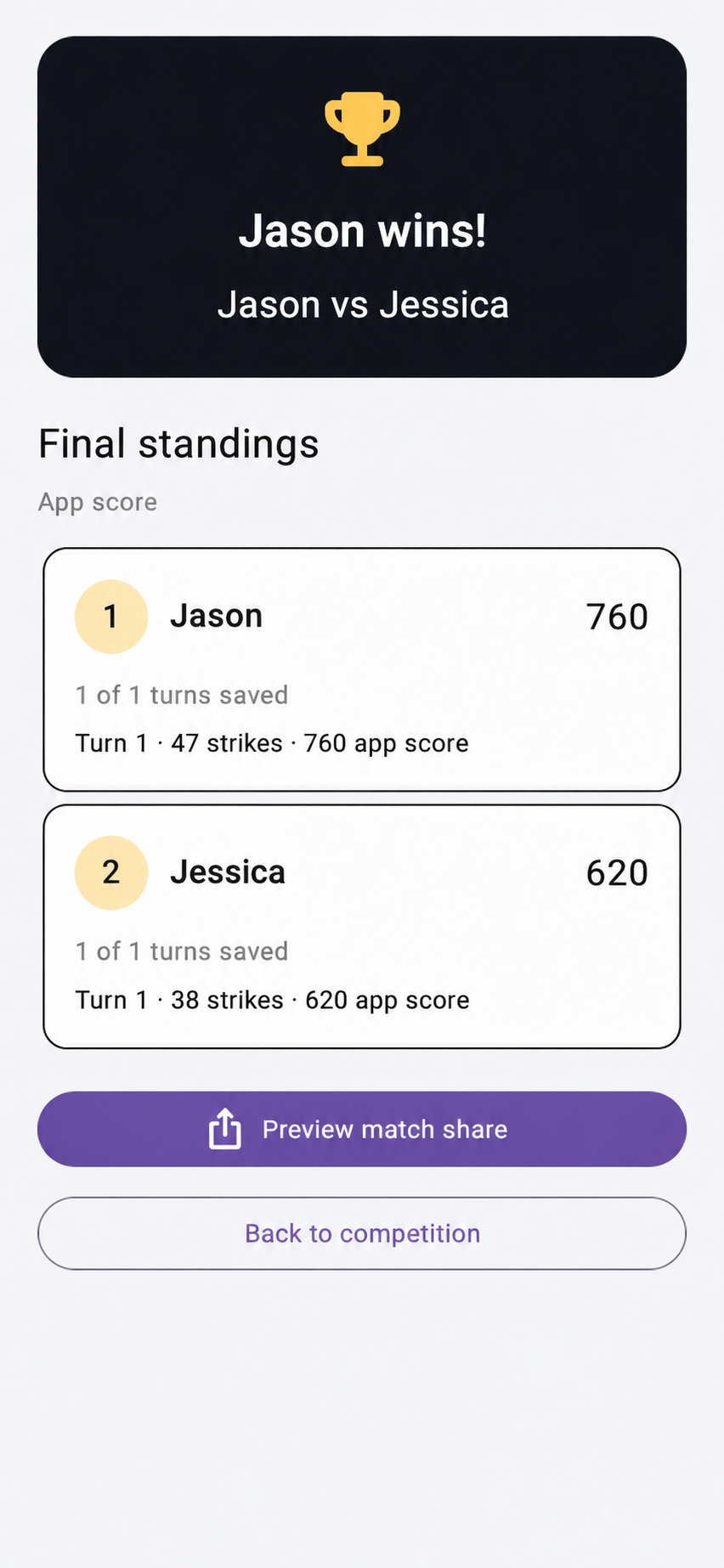
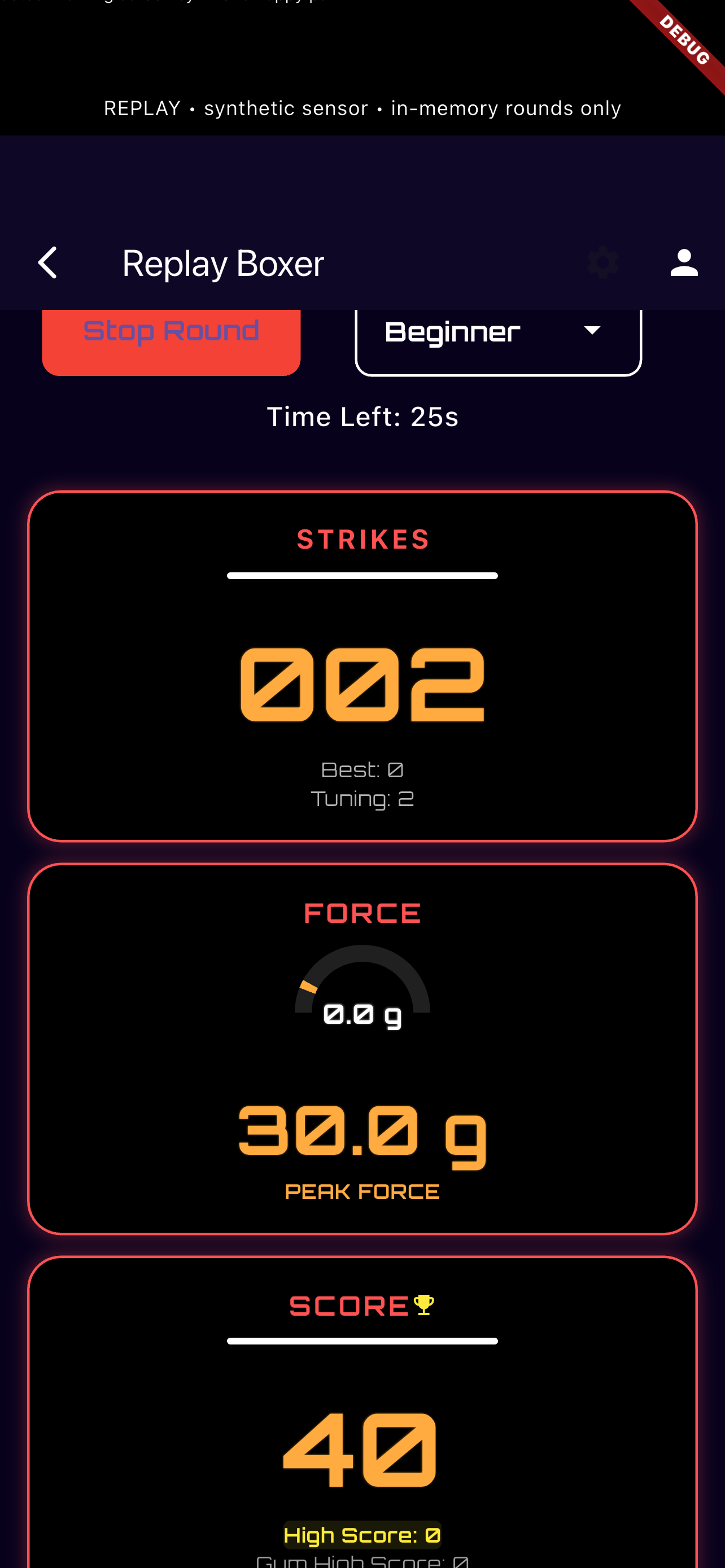
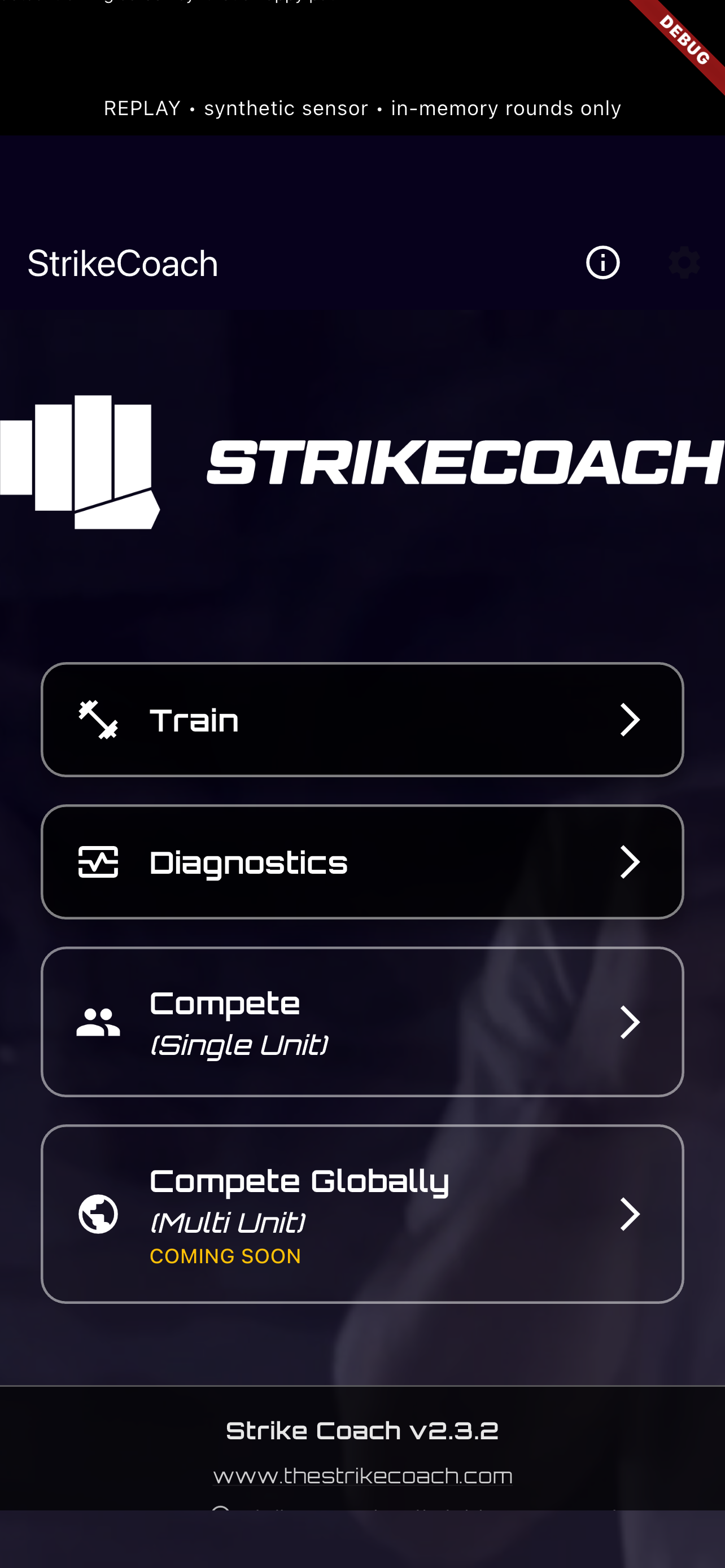
Existing development captures from different app builds, shown with sample or simulated data. Screens and styling may change before launch. The training capture’s older “force” label represents uncalibrated acceleration. The leaderboard preview shows local match standings; global competition remains in development.
BRING YOUR ROUND TO THE BIG SCREEN
Keep your phone close for session controls and bring your score and strike count into view on the TV. See your round across the room, or let friends follow the action.
Companion app in development. Public download link coming when its listing is confirmed.
Planned companion experience. Not available to download yet.
YOUR FIRST ROUND
Unbox, position, fill the base and charge using the instructions supplied with your unit. Detailed assembly guidance will be added here.
Once you have access to the app, follow its connection prompts for your STRIKECOACH unit.
Start with training, then explore a local competition. Check that the movement area is clear before starting.
01 / TRAINING
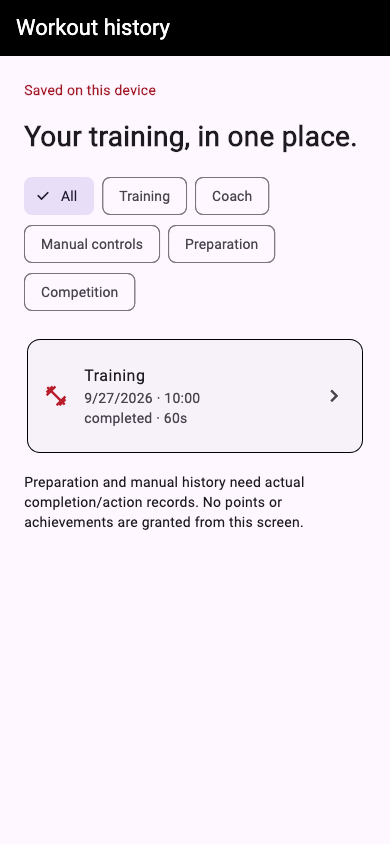
Explore phone-controlled rounds, strike counts, session scores and acceleration graphs in development builds.
Shown: a development capture with sample training history. This is a preview, not a public release.
02 / COMPETITION
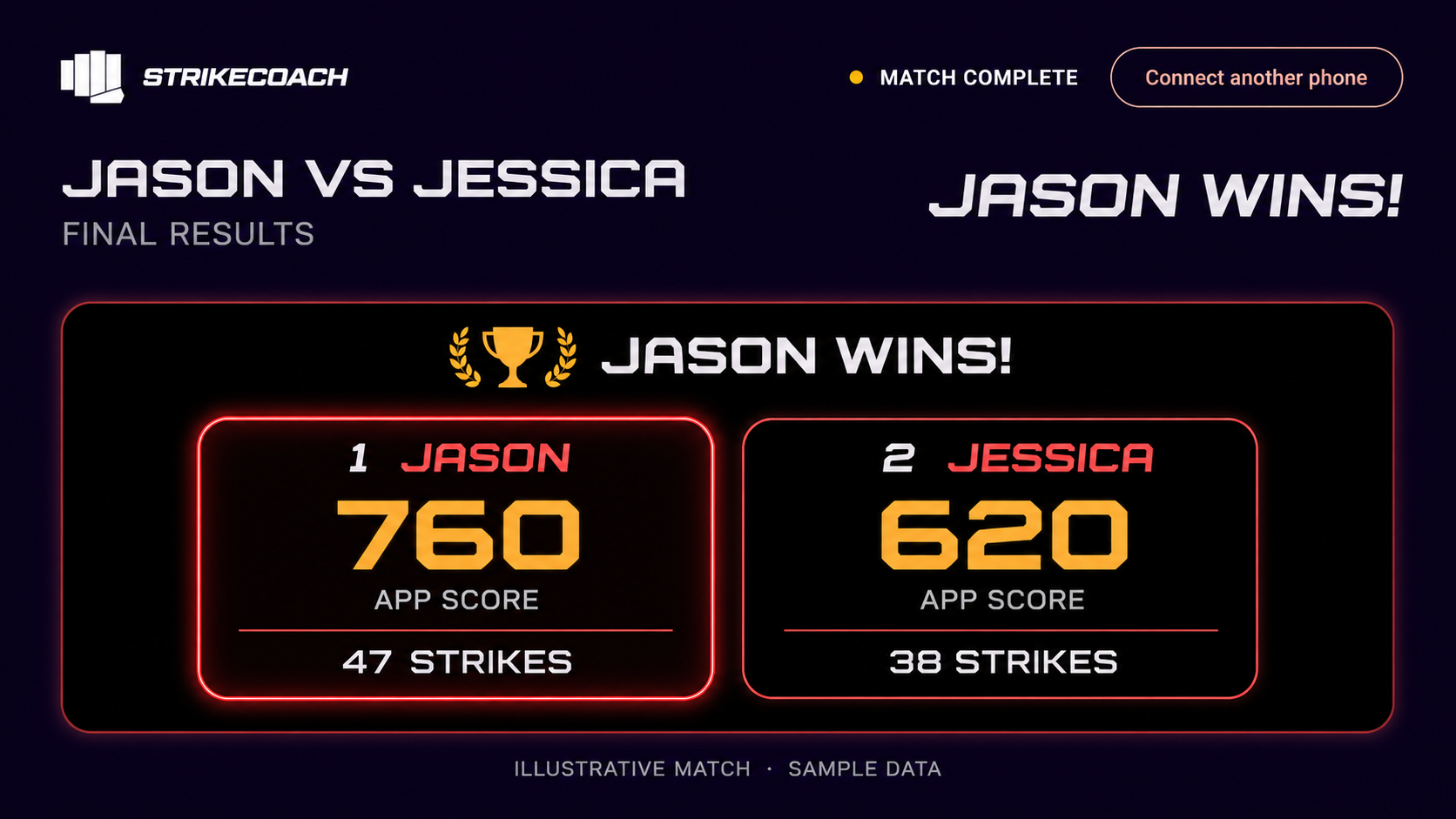
Explore the local competition experience: take turns on the same unit, then review scores and standings together.
Shown: a development results layout with illustrative players and scores. Global competition is still being developed.
WHAT’S NEXT
We’re working through the profile experience: how you introduce yourself, keep your training together and participate in competition. Profile setup instructions will appear here as that flow takes shape.
Keep me updatedQuestions about setup or app access? Contact the STRIKECOACH team.
Get setup help Back to STRIKECOACH